Best Link in Bio Tools in 2026: An Honest Comparison
We tested every major link-in-bio tool so you don't have to. Here's what actually matters, what's overrated, and which tool fits your needs.
 Link in Bio
The link-in-bio category has grown well beyond simple link lists. Some tools now bundle email marketing, storefronts, course builders, and analytics dashboards into a single platform. Others stay focused on doing one thing well.
That makes choosing harder. We signed up for every major tool, tested them across real use cases, and scored them on six criteria. Here's what we found.
The Verdict
Best overall→Linktree
Native courses and digital products free, cross-platform social analytics from $8/mo, conditional routing on Premium
Best native email marketing→Beacons
Sends email itself rather than syncing to an external tool. 50 sends/month on free.
Best for 0% fees→Stan Store
Charges nothing on sales at every tier, but starts at $29/mo with no free plan
Best budget pick→Lnk.Bio
Lifetime access from $9.99. No monthly fees ever.
How we evaluated
We score every tool across six criteria, each weighted by how much it matters to the typical creator choosing a link-in-bio tool:
- Ease of use (20%): How quickly can you go from signup to a live page?
- Feature depth (20%): How complete is the feature set compared to the category?
- Value for money (20%): What do you get for free, and is upgrading worth it?
- Customization (15%): Can you make it look like your brand, not theirs?
- Analytics (15%): Do you get data you can actually act on?
- Support (10%): Is help available when something breaks?
Each criterion gets a 0-10 score. You can read the full breakdown on our how we evaluate page.
Pricing at a glance
Before we dig into individual tools, here's what you'll pay. Every price below was re-verified against the vendor's own pricing page in August 2026.
| Feature | Free tier | Cheapest paid | Top tier | Transaction fees |
|---|---|---|---|---|
| Linktree | $0 | $8/mo | $35/mo | 12% free, 9% Starter/Pro, 0% Premium |
| Beacons | $0 | $10/mo | $90/mo | 9% (0% on Creator Plus) |
| Stan Store | None | $29/mo | $99/mo | 0% on all plans |
| Komi | $0 | $20/mo | $20/mo | 0% on digital products (Pro) |
| Later | $0 | $25/mo | $110/mo | N/A |
| Lnk.Bio | $0 | $0.99/mo | $89.99/yr | N/A |
| Campsite.bio | $0 | $7/mo | $24/mo | N/A |
A note on the two entries that most often get reported wrong: Komi and Later both have free plans. Later's isn't listed on its pricing page at all. It's documented only in the help centre, and it includes the Link in Bio page. Several comparison sites still say neither tool has one.
The top link-in-bio tools
1. Linktree
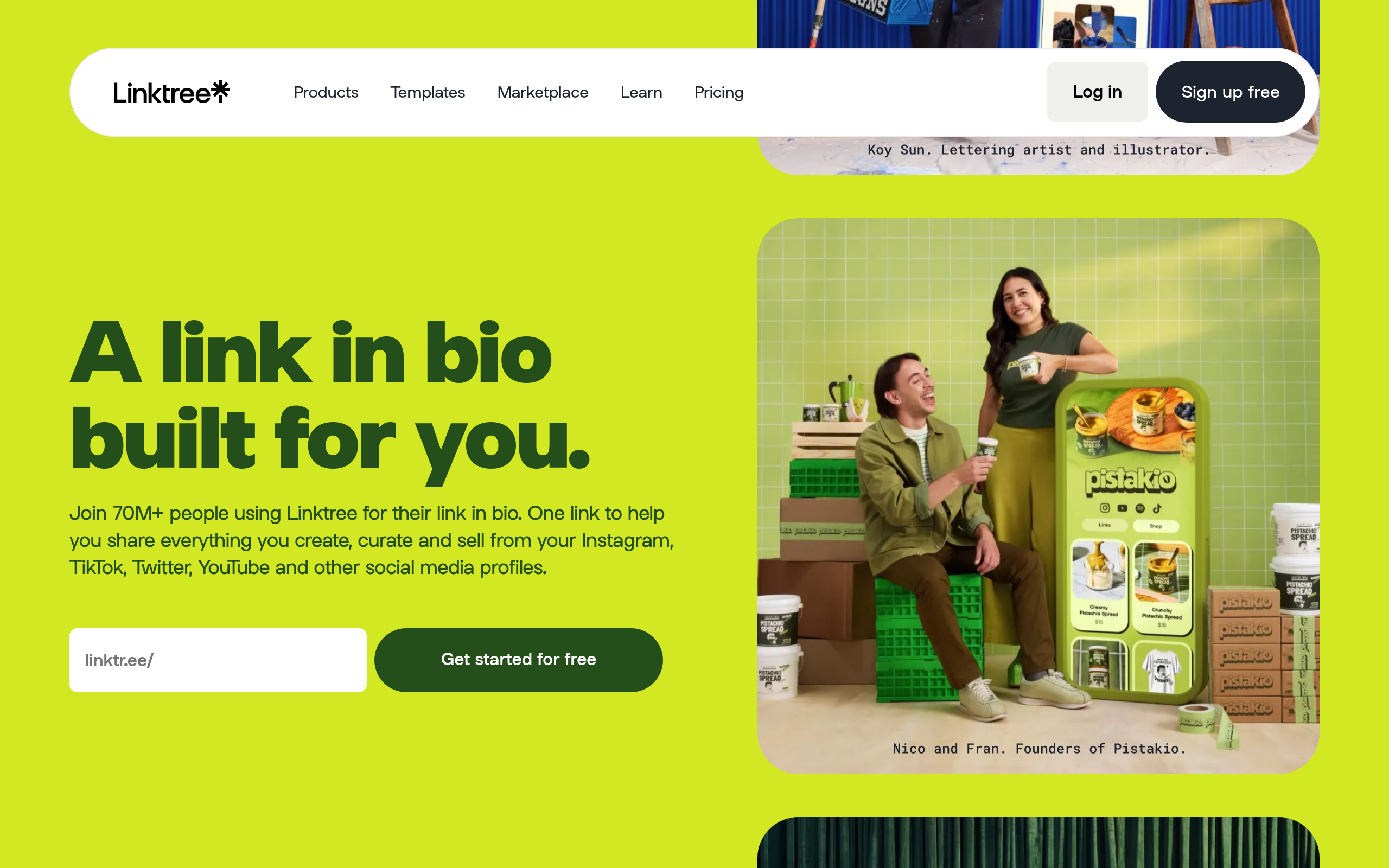
Linktree started the link-in-bio category in 2016 and still has the largest user base at over 70 million creators. If you've heard that Linktree is "just a list of links," that hasn't been true for a while. The platform has expanded well beyond its origins.
What most people don't realize: Linktree now supports selling digital products and courses directly from your page, affiliate links with commission tracking, social media scheduling across platforms, and automated Instagram DM replies. You can connect your Shopify store, embed Spotify and YouTube content, and run commerce with payment processing built in. The free tier alone includes unlimited links, digital product sales, music and video embeds, social icons, email and phone number collection, and analytics.
Setup takes under five minutes and the integration ecosystem is among the broadest in the category. Ease of use is the reputation Linktree earned and it still holds, but it now describes the entry point rather than the ceiling.
Three capabilities in particular rarely appear in comparisons of this category, and all three are live on Linktree's pricing page as of August 2026. Conditional link routing (marketed as Rules) shows, hides or rewrites links based on a visitor's location or referring platform, so the same URL can serve different content to Instagram and TikTok traffic. Social Insights ($8/mo Starter) pulls follower growth and top-performing posts from Instagram, TikTok and YouTube into the same dashboard as your link data. And a native contact form (Pro) collects names, emails, phone numbers and countries directly, without a third-party form embed.
The free tier has tightened, though, and it's worth knowing before you commit. Linktree now publishes a 12% seller fee on free-plan digital product and course sales. That's the widest free-tier fee in the category, against Beacons' 9%. Free analytics are capped to a rolling 28-day window (Starter 90 days, Pro 365, Premium all time), and Linktree is running a limited beta that shows interstitial ads to visitors on some free pages after they click an external link. Paid plans never show ads. None of this makes the free tier bad (it's still the most capable free plan we tested), but "free" now costs more than it did a year ago.
Customization has also come a long way. The old reputation of "every Linktree looks the same" doesn't hold up anymore. Even on the free plan you get wallpaper colors, link thumbnails, social icons, and a custom profile image, title and bio. Starter ($8/mo) adds animated and spotlight links, unlimited featured links, link collection layouts, QR code customization, and a profile verification badge. The visual-design suite sits on Pro ($15/mo): advanced themes, advanced button and font styles, custom or stock wallpaper images and video, hero and video profile images, header layouts, logo titles, and the option to hide the Linktree footer. If you're choosing a plan primarily to make your page look distinctive, Pro is the tier you want. The themes, fonts and background controls moved up from Starter during 2026. It's not raw CSS-level control like some competitors, but for most creators the visual editor covers what you need.
On the marketing side, paid plans add real depth. Starter includes per-link click tracking, streaming service insights, and follower-growth data for Instagram, TikTok and YouTube. Pro brings Google Analytics, the Facebook Conversion API, global UTM parameters, SEO settings, email sync with Mailchimp, Kit, Klaviyo and Google Sheets, audience and location insights, and AI-driven analytics chat. Premium ($35/mo) drops the seller fee to 0%, adds dynamic links with smart routing, CSV data export, social media scheduling, unlimited Instagram auto-replies, and a published 4-hour support response time. Linktree and Beacons are the only two tools here that commit to a response time at all. Beacons' under-six-hours sits on its $90/mo Creator Max tier, against Linktree's four hours at $35/mo. The other five publish no target, so treat this as a two-way comparison rather than a category ranking.
One gating detail worth flagging because Linktree's own sources disagree: the pricing page presents Instagram auto-reply as Premium-only, while the help centre describes monthly DM caps on every plan (1,000 on Free rising to unlimited on Premium), with keyword and all-post triggers reserved for Pro and above. Our reading is that the feature exists more broadly than the pricing page implies and the Premium row refers to unlimited sends. But if auto-DMs are the reason you're upgrading, confirm the cap on your own account first.
The two areas where Linktree genuinely trails competitors: custom domains (not available on any plan) and built-in email marketing. Linktree syncs with external email tools on Pro+, but if you want a native email composer, Beacons or Stan Store have that built in.
Linktree
Strengths
- Conditional link routing by visitor location or referring platform (Rules, on Premium)
- Sells digital products and hosts Kajabi-powered courses from the free tier
- Cross-platform social analytics: Instagram, TikTok and YouTube follower growth alongside link data, from $8/mo
- Free tier covers unlimited links, embeds, digital products, email and phone capture, and analytics
- Published 4-hour support response on Premium; one of only two tools here that commit to a response time at all
- Fastest setup in the category. Live in under 5 minutes.
Weaknesses
- No custom domains on any plan
- No built-in email marketing. Syncs to Mailchimp, Kit, and others on Pro+
- No custom CSS. Visual editor covers most needs but power users may want more
- 12% seller fee on the free plan, 9% on Starter and Pro. Only Premium is 0%
- Free analytics limited to a rolling 28-day window
- Themes, fonts, and background images now require Pro ($15/mo), not Starter
2. Beacons
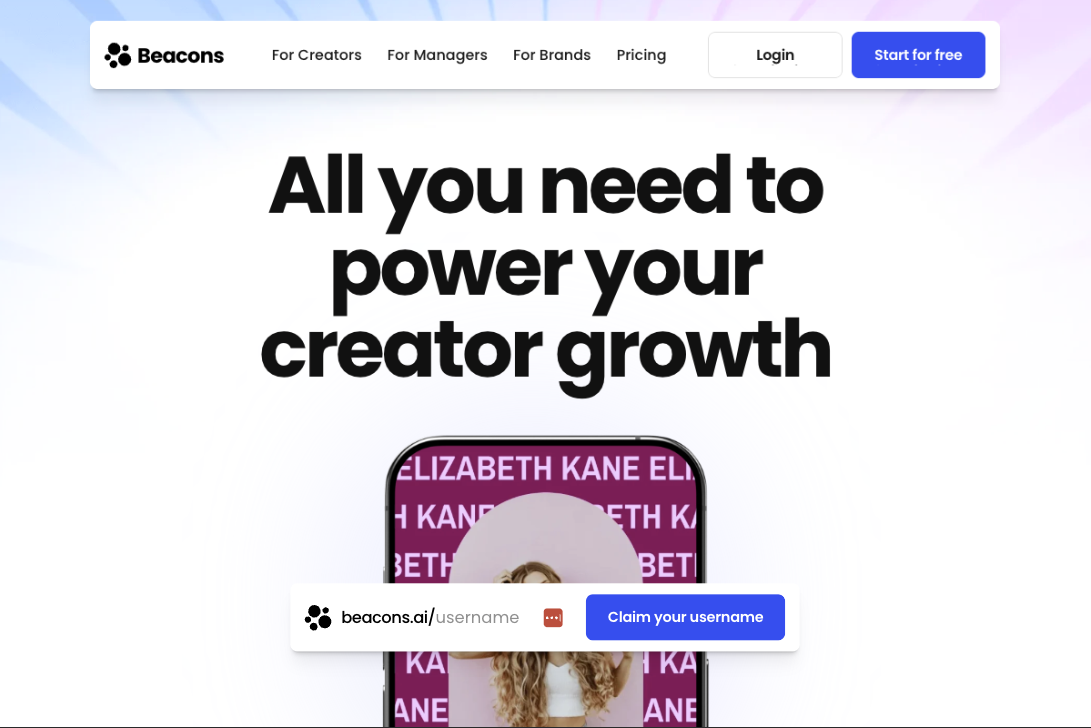
Beacons takes a different approach from Linktree. Where Linktree builds depth into the link page and syncs outward to specialist tools, Beacons tries to bring the specialist tools in-house: link-in-bio, email marketing, online store, media kit builder, invoicing, course hosting, and AI-powered brand outreach. Whether that's an advantage depends entirely on whether you'd otherwise pay for those tools separately.
The free tier includes a lot: unlimited links, a store (with 9% transaction fee), 50 email sends per month, a media kit that updates daily, one course without video hosting, 30 daily AI credits, invoicing, and design customization. That breadth looks good on paper, but 50 email sends per month is a real ceiling, and the 9% transaction fee on free-plan sales adds up fast if you're actually selling. Worth noting against Linktree: Beacons charges 9% on its free plan where Linktree now charges 12%.
Creator ($10/mo, or $8.33 billed annually) adds a free custom domain, 500 email sends, 300 daily AI credits, a 3-page website, and advanced SEO. Creator Plus ($30/mo) drops transaction fees to 0%, unlocks unlimited email sends and AI credits, unlimited courses with video hosting, memberships, buy-now-pay-later checkout, branding removal, and scheduling automation. Creator Max ($90/mo) adds white-glove onboarding, Google Workspace, sub-6-hour support, and an NFC card, but minimal extra product. That's a big jump in price for a small bump in value.
The tradeoff with Beacons is complexity. The interface packs a lot in, which means a steeper learning curve than most competitors. It also lacks Google Analytics integration and UTM parameter support, which is a gap if you're running paid campaigns or need to attribute traffic sources precisely.
Beacons
Strengths
- Free tier bundles store, email marketing, media kit, and customization
- Built-in email marketing with automation sequences on all plans
- Custom domains from $10/mo (Creator plan)
- 12,000+ brand partners for affiliate link embedding
- AI-powered tools for content, outreach, and design
Weaknesses
- Steeper learning curve. The all-in-one approach adds complexity
- No Google Analytics integration. Only Meta/TikTok/Pinterest pixels
- No UTM parameter support
- Email limited to 50 sends/month on free tier
- Branding removal requires Creator Plus ($30/mo)
3. Stan Store
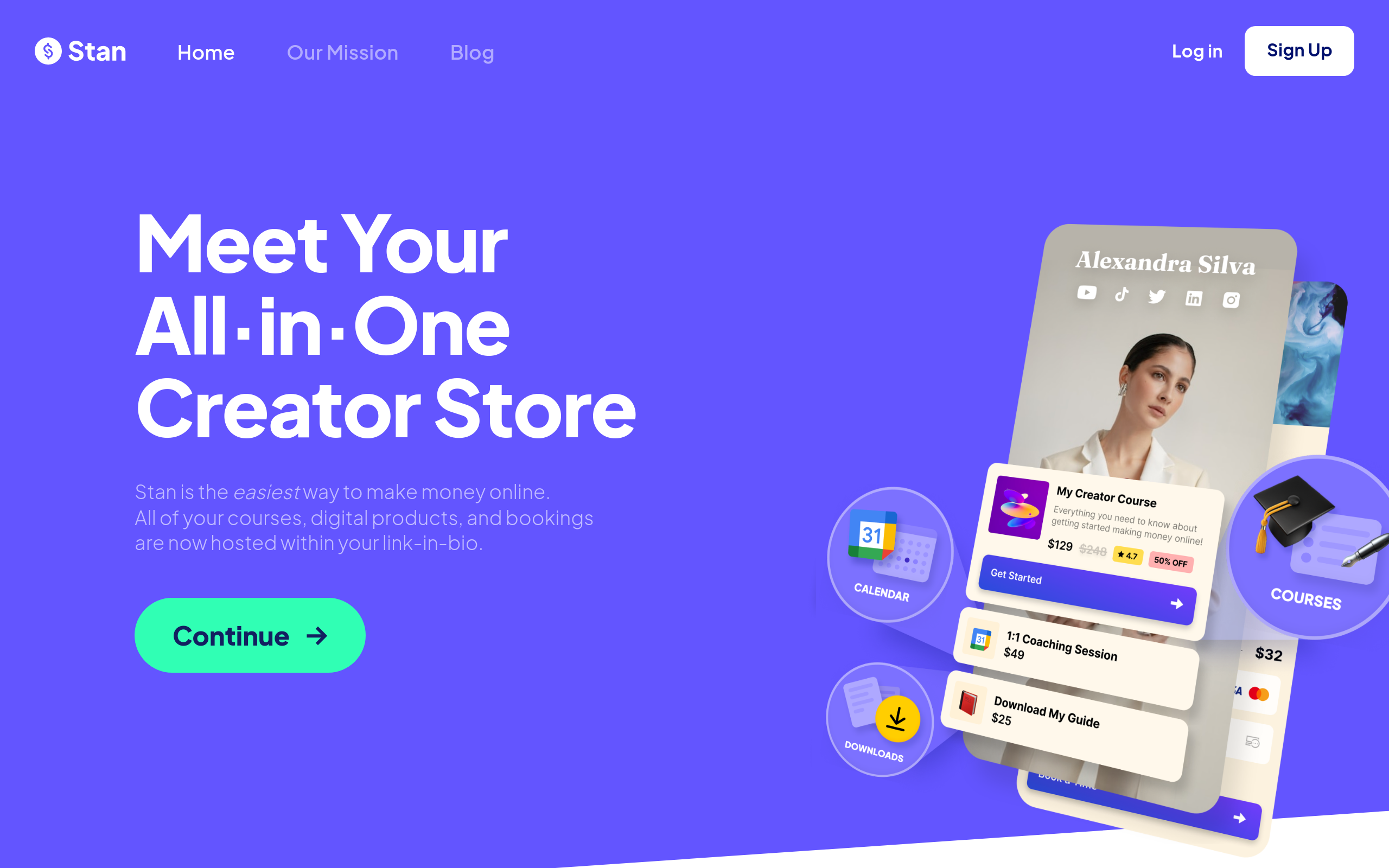
Stan Store isn't trying to be a link-in-bio tool. It's a creator storefront that happens to work as one. If your primary goal is selling digital products, courses, coaching sessions, or memberships, Stan is built specifically for that.
Both plans include 0% transaction fees. Linktree charges 12% on its free plan and 9% on Starter and Pro, and Beacons charges 9% below its top tiers, so this matters if you're selling at volume. Stan's Creator plan ($29/mo) includes unlimited products, a course builder, community features, webinar hosting, and Instagram AutoDMs. But that $29/mo starting price means you're paying more upfront than Linktree Pro ($15/mo) or Beacons Creator ($10/mo), and you don't get a free tier to test things out.
Creator Pro ($99/mo, or $79 billed annually) unlocks the marketing layer: email broadcasts and flows, pixel tracking (Meta, Google, Pinterest, TikTok), discount codes, limited-quantity offers, upsells, order bumps, funnels, buy-now-pay-later checkout, and affiliate management.
A correction we owe readers: an earlier version of this article said Creator Pro includes a custom domain. It does not, and neither does any other Stan plan. Stan's help centre is explicit that your URL is always stan.store/yourusername, and connecting a custom domain is still listed as an unshipped feature request. Domain forwarding from a registrar is the only workaround. This is the same gap Linktree has, and it's the clearest functional advantage Beacons holds over both.
The other downside is the price floor. There's no free tier, and $29/mo is a real commitment for creators just starting out. Stan also offers less design flexibility than Linktree or Beacons. No animated backgrounds, no music embeds, no custom CSS. The templates are clean but limited.
Stan Store
Strengths
- 0% transaction fees on all plans, including the $29/mo entry tier
- Built-in course builder, community, webinars, and coaching bookings
- 1-tap checkout optimized for mobile conversion
- Instagram AutoDMs on all plans
- Email marketing with broadcasts and flows on Creator Pro
Weaknesses
- No free tier. $29/mo minimum is steep for beginners
- No custom domain on any plan. Your URL is always stan.store/yourusername
- Limited design customization. No animated backgrounds or music embeds
- Email marketing, funnels, and pixel tracking locked to Creator Pro ($99/mo)
- No Shopify integration. You use Stan's native storefront or nothing
4. Later (formerly Linkin.bio)
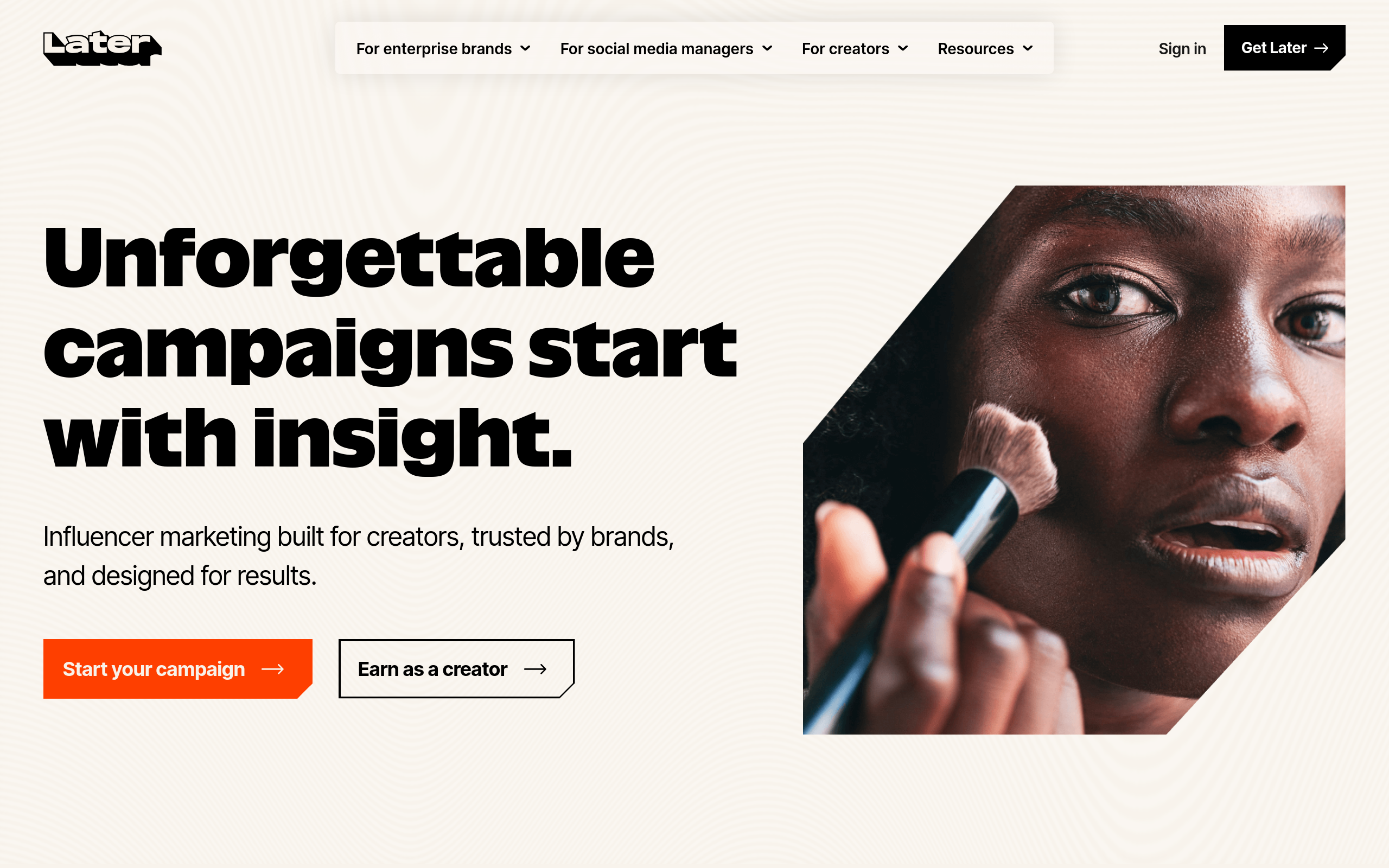
Later's link-in-bio is an extension of their social media scheduling platform. If you already use Later for planning Instagram, TikTok, or Pinterest content, adding a link page is a natural fit. The scheduling + analytics combination is strong.
Where Later stands out is analytics. The platform connects your social scheduling data with link page performance, giving you a clearer picture of which posts drive traffic. Google Analytics integration is available, and the analytics dashboard is one of the more actionable in the category.
Later does have a free plan, and it includes Link in Bio, a point worth making because Later's own pricing page doesn't list it. The free tier is documented in the help centre and advertised on the Link in Bio product page ("Claim free link in bio"), and it covers a customizable Link in Bio page, introductory analytics, limited post scheduling, and a calendar window of two weeks either side of today. If you've read elsewhere that Later has no free option, that's out of date.
The catch is what it costs to get past that. Paid plans start at $25/mo ($18.75 billed annually) for Starter, which is more expensive than Linktree Pro ($15/mo) or Beacons Creator ($10/mo) for comparable link page features, and rise to $110/mo for Scale. You're paying for the scheduling platform, not just the link page, which is exactly right if you use both and poor value if you only want the link page.
Later
Strengths
- Free plan includes a customizable Link in Bio page and introductory analytics
- Tight integration between social scheduling and link-in-bio analytics
- Strong analytics with Google Analytics support
- Multi-platform scheduling (Instagram, TikTok, Pinterest, LinkedIn, X)
- Shoppable Instagram feed as your link page
Weaknesses
- $25/mo minimum to get past the free plan's limits, which is steep for the link page alone
- The free plan isn't listed on the pricing page. You have to know it exists
- Limited design customization compared to Linktree or Beacons
- Primarily a scheduling tool. The link page is secondary
5. Komi
Komi targets professional creators and talent agencies. The interface is polished, and the feature set is built around the needs of managed talent: team collaboration, agency dashboards, and premium integrations.
Komi's pricing is simpler than it's often reported to be: two plans, both public. Starter is free and covers a custom mini-site, unlimited content and affiliate links, a CRM with unlimited fan contacts, performance analytics, tipping, and access to brand deals. Pro is $20/mo ($16 billed annually) and adds 0% fees on digital product sales, unlimited email campaigns, Meta Pixel, branding removal, a custom domain, and priority support. Unlimited team members and profiles are included on both. That's unusual at this price. There are no custom-quote tiers.
For the right user, Komi works well. The design is clean, the analytics are solid, and the free CRM with unlimited contacts is genuinely generous for creators fielding brand enquiries. The catch: digital products aren't available on Starter at all, so the free plan is a shopfront and a contact database rather than a way to earn. And the custom domain on Pro isn't self-serve. You email support to have it set up.
Komi
Strengths
- Free Starter plan with unlimited content links, affiliate links, and a full CRM
- Unlimited team members and profiles on both plans
- Built for agencies and managed talent with team collaboration features
- 0% fees on digital product sales on Pro ($20/mo)
- Clean, polished interface
Weaknesses
- No digital product sales on the free Starter plan
- Custom domain requires emailing support rather than self-serve setup
- Limited customization compared to Beacons
- Smaller integration ecosystem than Linktree
- Analytics are weaker than Later or Linktree Pro
6. Campsite.bio
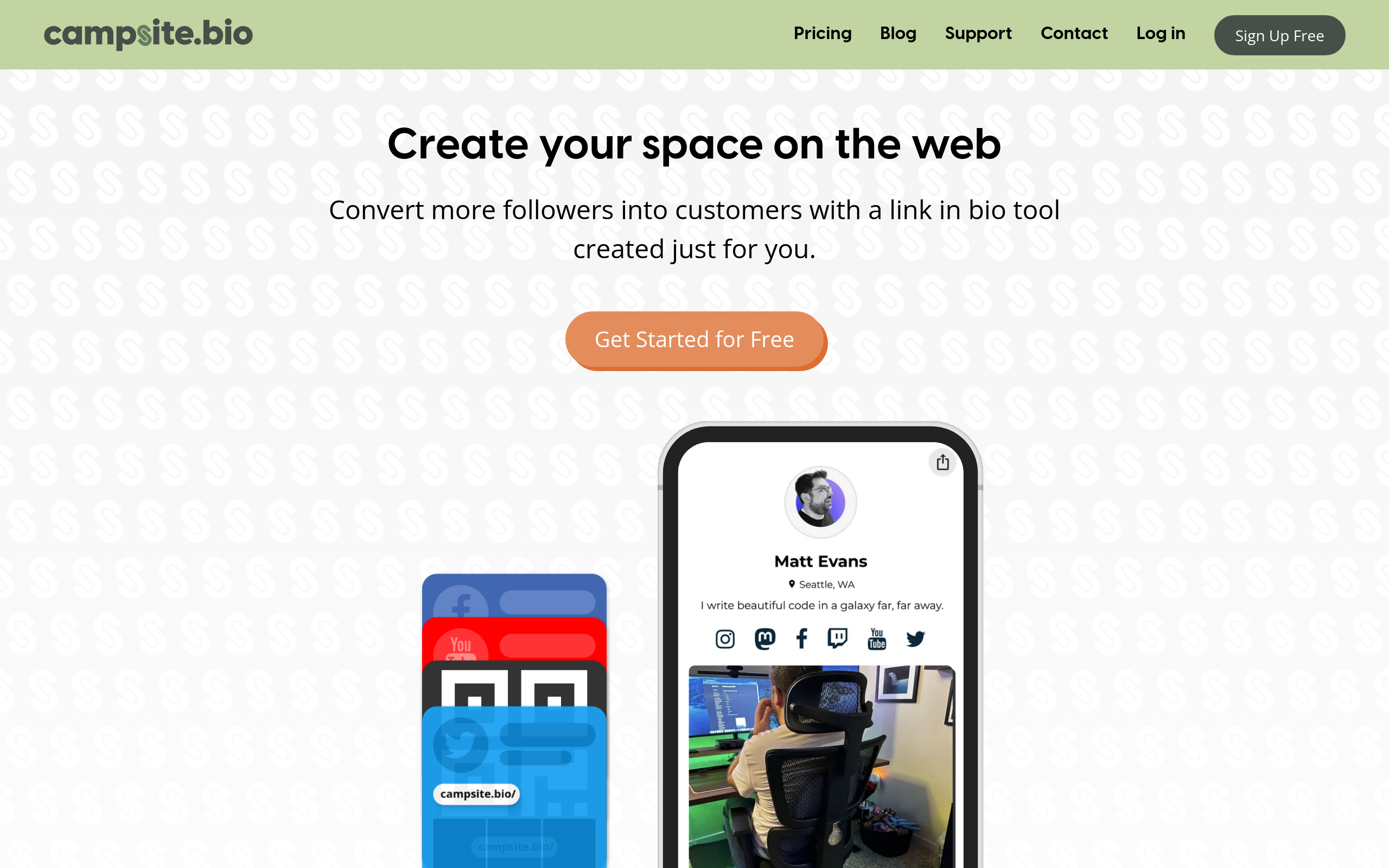
Campsite is a solid mid-range option that flies under the radar. The free tier includes unlimited links, advanced customization, and basic link types. Pro ($7/mo, or $5.83 annually) is the value pick of the category for custom domains: it bundles a custom domain, in-depth analytics with geo and referral data, premium integrations, opt-in forms and tracking pixels, and multiple profiles at $1.50 each. It's also the only tool here that exposes custom CSS, which matters if you want control the visual editors don't give you. Pro+ ($24/mo) adds six profiles and four collaborators outright, plus lifetime analytics retention, advanced reporting, and CSV export.
It's a decent mid-range choice for creators who want a straightforward link page with fair pricing. Pages are fast and the editor is clean, though the feature set and integration ecosystem are smaller than the top-tier tools.
7. Lnk.Bio
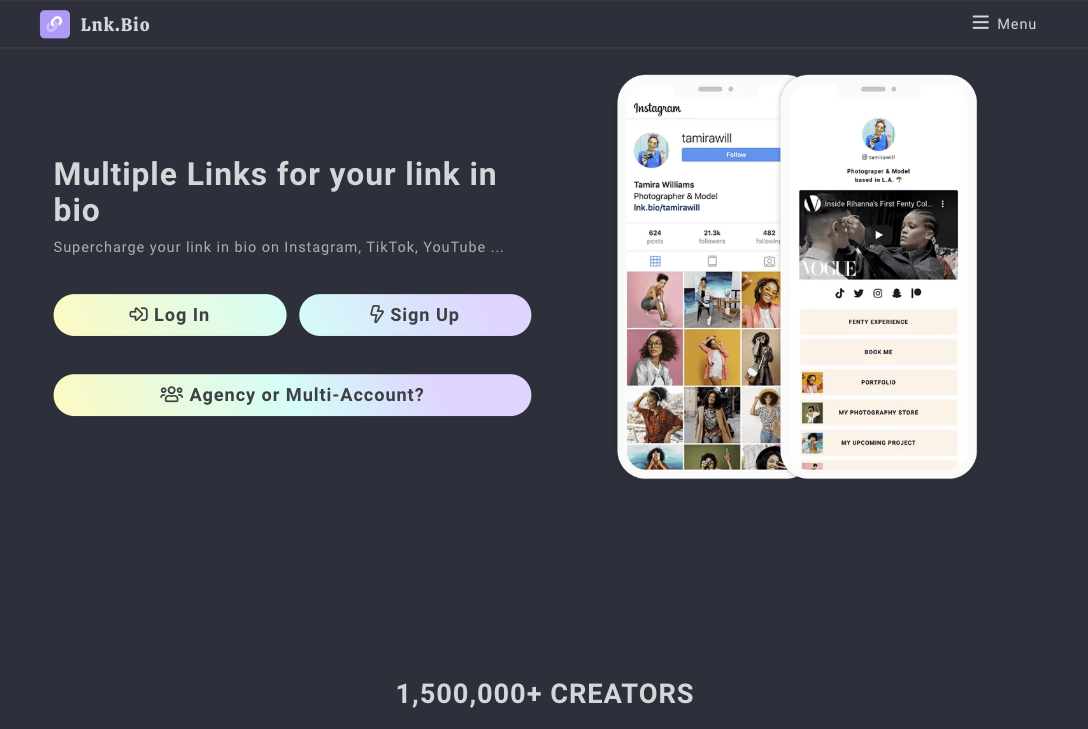
If budget is the deciding factor, Lnk.Bio is hard to beat. The lifetime "Unique" plan costs $24.99 once and gives you a permanent link page with no monthly fees. Ever. It covers branding removal, custom colours and fonts, a shop, a newsletter and contact form, video wallpaper, and a free .bio domain for a year.
There's a cheaper lifetime option that Lnk.Bio doesn't advertise on its own pricing card: the Mini tier can be bought outright for $9.99 once instead of $0.99/mo, which pays for itself in ten months. Mini covers link scheduling, groups, password-protected links, advanced analytics, external pixels, and Instagram/TikTok sync. Above Unique sits Ultra at $89.99/year, the only tier that lets you connect a custom domain you already own.
The free tier works for basic use. It won't win any design awards, and the feature set is minimal compared to Linktree or Beacons. But for creators who just need a clean, functional link page without ongoing costs, it's the most practical option in the category.
How to choose
The "best" tool depends on what you're actually trying to do:
You want depth in the link page itself. Linktree handles digital products, Kajabi-powered courses, affiliate links, Instagram auto-replies and conditional routing by visitor location from a single page. The free tier covers most use cases and $8/mo adds cross-platform social analytics. It syncs to Mailchimp, Kit and Klaviyo rather than sending email itself, so if email is central, look at Beacons instead.
You want email marketing built in. Beacons sends email itself rather than handing off to an external tool, and bundles a store and media kit alongside it. Expect a learning curve, and real ceilings until you upgrade: 50 email sends a month and 9% transaction fees on the free plan.
You want to keep 100% of what you sell. Stan Store charges 0% on every tier. Every major tool here sells digital products now, so the question isn't whether you can sell. It's what the sale costs you. Linktree reaches 0% only on Premium ($35/mo) and Beacons on Creator Plus ($30/mo), while Stan starts at 0% from $29/mo, with no free tier to test first.
You're on a tight budget. Lnk.Bio's lifetime plans ($9.99 for Mini or $24.99 for Unique, one time) or Campsite's free tier both work well if you need a functional link page without monthly commitments.
You need a custom domain and don't want to spend much. Campsite Pro at $7/mo is the cheapest route to one. Beacons Creator ($10/mo) is next and gives you far more alongside it. Linktree and Stan Store don't offer custom domains at any price.
You already use Later for scheduling. Adding Later's link-in-bio makes sense if you want unified analytics across your social scheduling and link page. Start on the free plan.
You're an agency managing talent. Komi's team features and agency dashboards are purpose-built for this use case, and unlimited team members on the free Starter plan makes it cheap to trial across a roster.
Our Verdict
For most creators, Linktree is the right starting point, not because it's the safe option, but because the free tier already covers selling digital products, hosting Kajabi-powered courses, capturing emails and phone numbers, and embedding media, while the paid tiers add conditional link routing and cross-platform social analytics. The "just a link list" description belongs to the 2021 product, not this one.
Where it genuinely trails is narrower than the reputation but real: no custom domain at any price, no native email sending, and a 12% seller fee on the free plan that's the widest in this comparison. If email is central to how you work, Beacons is the better fit and it isn't close. If you're selling at any volume, Stan Store's flat 0% will beat Linktree unless you're on Premium.
✦How we rate tools
Every tool on this list was evaluated using our standardized methodology across ease of use, feature depth, value for money, customization, analytics, and support. Read about our evaluation process.
Frequently Asked Questions
What is the best free link-in-bio tool?
Linktree's free tier includes more than most comparisons credit: unlimited links, digital product sales, Kajabi-powered courses, music and video embeds, email and phone capture, multi-factor authentication, and analytics. The catch is the cost of a sale: Linktree charges a 12% seller fee on free-plan sales, the widest in this comparison, and caps free analytics to a rolling 28 days. Beacons' free tier bundles native email marketing, a store, and a daily-updating media kit at a lower 9% fee, but caps email sends at 50 a month. Komi and Later also have free plans, which many comparison sites miss.
Are link-in-bio tools worth paying for?
For most casual creators, free tiers are enough. Paid plans become worth it when you need per-link analytics, branding removal, a custom domain (Campsite from $7/mo, Beacons from $10/mo, Komi Pro at $20/mo, Lnk.Bio Ultra at $89.99/yr), advanced themes and fonts, or lower transaction fees on product sales.
Which link-in-bio tool has the lowest fees for selling?
Stan Store charges 0% transaction fees on all plans, starting at $29/mo. Komi charges 0% on digital product sales on its $20/mo Pro plan. Beacons charges 9% on free and Creator, dropping to 0% on Creator Plus ($30/mo). Linktree charges 12% on its free plan, 9% on Starter and Pro, and 0% only on Premium ($35/mo). Standard payment processor fees apply on top in every case.
Can I use a custom domain with my link-in-bio?
Campsite.bio offers custom domains on Pro ($7/mo), the cheapest option. Beacons includes a free custom domain from $10/mo (Creator plan). Komi includes one on Pro ($20/mo), though setup goes through their support team. Lnk.Bio lets you connect an existing domain on Ultra ($89.99/yr). Linktree and Stan Store do not support custom domains on any plan. Stan URLs are always stan.store/yourusername.
Do link-in-bio tools affect my SEO?
Link-in-bio pages are hosted on the tool's domain (e.g., linktr.ee/yourname), so they don't directly impact your website's SEO. However, they drive traffic to your site and help organize your online presence. If SEO matters, look for tools that support custom domains.
Can I switch between link-in-bio tools?
Yes. Most tools make it straightforward to recreate your page. The main friction is updating your social media bios with the new URL. If you use a custom domain, switching is even easier since your URL stays the same.
Read more
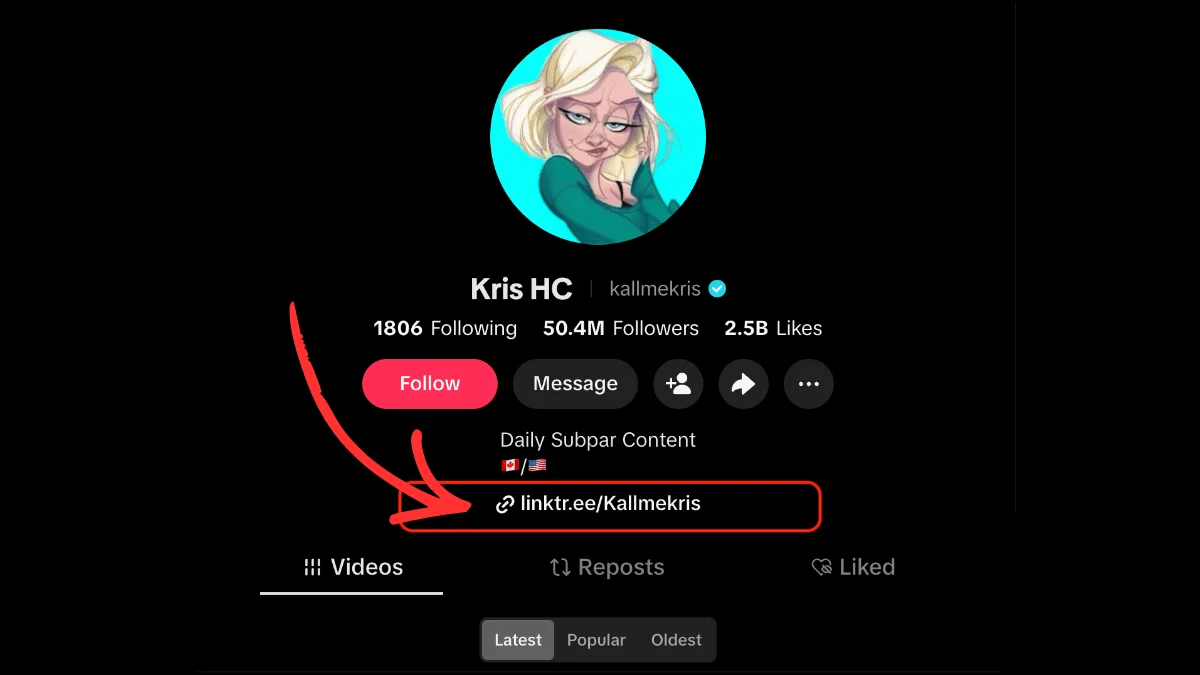
How to Put a Link in Your TikTok Bio: A Step-by-Step Guide
Learn exactly how to add a clickable link to your TikTok bio, what the eligibility requirements are, and how to get more from the one link TikTok gives you.
What Does "Link in Bio" Mean? Explained for Every Platform
What "link in bio" means on Instagram, TikTok, Facebook and YouTube, where to find the link, and why creators use one.

The Best Link in Bio for TikTok
Learn how to leverage TikTok's one link spot and convert followers to customers with a good link in bio tool for TikTok.