The Best Link in Bio Tool for Instagram
Leverage your social media following, convert customers, and build a cross-platform audience with Linktree, the best link in bio tool for Instagram.
 Charlotte Borland
Creators and businesses have been capitalizing on Instagram's popularity for almost two decades, but it's only in recent years that we've fully understood the potential for turning your online following into a robust, dedicated cross-channel audience.
Since Instagram doesn't support direct links in post captions, your link in bio is valuable real estate. Here, you can paste up to five links to continue the customer journey beyond Instagram, taking interested users to your website, shop, or other social platforms.
If you don't want to be limited to a single link, a link-in-bio tool solves the problem. Linktree is the most widely used option. Linktree lets you collate all your most important links into a functional, beautiful 'microsite' that's on-brand, easy to update, and always accessible.
So, how does the link in bio feature actually work? We've rounded up everything you need to know, plus top tips for using it to your advantage, in this comprehensive guide.
What does 'link in bio' mean on Instagram?
You've probably seen a creator end their posts with the phrase 'link in bio' more than once. It's a common sight across Instagram… but what does it actually mean?
'Link in bio' is a term that's used because, unlike other platforms such as Facebook, Instagram doesn't support direct, clickable links in posts. Instead, the best place to put your call to action (CTA) link is in your Instagram bio, which has been able to feature up to five links since 2023.
Creators often add 'link in bio' at the end of their post and Reel captions to encourage their followers to take further action off Instagram, such as visiting their Linktree or website. This is critical for creators who are looking to own their audience by building a contact list and a cross-channel following.
How to put a link in your Instagram bio
If you don't yet have a link in your Instagram bio, you're missing out on a vital social media marketing tool. Here's exactly how to do it, step by step:
-
Go to your profile by tapping your profile photo at bottom-right.
-
Tap 'Edit profile'.
-
In the 'Links' field, paste the link you want to add to your bio.
-
Add an optional title for the link.
-
Save changes, and you'll notice the link is now displayed on your profile.
Remember, you can only have five links in your Instagram bio at any given time, so choose wisely!
The best way to support a robust customer journey is to use a link in bio tool that lets you display multiple links on one user-friendly, beautiful microsite. This minimizes the clutter of more than one link in your IG bio, lets you show off your brand, and offers clear signposting for your audience.
How to find a link in bio on Instagram
Viewing another Instagram user's link in bio is simpler than you might think. Navigate to their profile by searching for their handle in the search bar or clicking on it as you come across it on your Instagram feed. Once you're on their profile, their link in bio (if they have one) will be at the top of their profile underneath their bio text.
Note that many personal Instagram users won't have a link in their bio, unless perhaps they're fundraising for a cause or want to promote their business. Amongst creators and businesses, though, bio links are popular, and for good reason. As the only true place to promote your offering, your link in bio is extremely important to utilize.
Does Instagram tell you who clicked your link in bio?
No, Instagram does not provide specific data on who clicked your bio link.
However, you can see the overall number of link clicks via the Instagram Insights tab, or by using a third-party link in bio tool with advanced analytics like Linktree. This data is helpful if you're trying to determine whether your link in bio is effective and your efforts to direct your followers there are working.
Can you say 'link in bio' on Instagram?
Yes, you can say 'link in bio' in the captions of your Instagram Reels and posts; there are no rules against it. In fact, it's an extremely common practice, and important if you're trying to generate attention and clicks to other marketing channels like your mailing list.
If you're planning on using this phrase, be sure to include it as part of a well-crafted caption. 'Link in bio' on its own isn't enough. Always detail exactly what your followers will get when they click your bio link and why this action is valuable.
For example, a strong CTA with a 'link in bio' mention might encourage your audience to visit your Linktree to purchase your favorite products, subscribe to exclusive content, or follow your other social media profiles.
The best link in bio tool for Instagram in 2026
Want a streamlined flow that supports audience growth from Instagram? Linktree is built to turn social media visitors into cross-platform followers, and its free tier covers most creators starting out.
There's more to it than link sharing, too.
Features like Linktree Shops for selling digital products, Sponsored Links for partnering with brands, and Linktree Forms for capturing data let you harness the full potential of your audience.
Charlotte Borland
Writer
Charlotte is a copywriter who uplifts brands through thoughtful, creative storytelling. Her background in social media management, digital marketing, and journalism makes her an all-rounder who looks at every piece of content through a strategic lens.
Read more
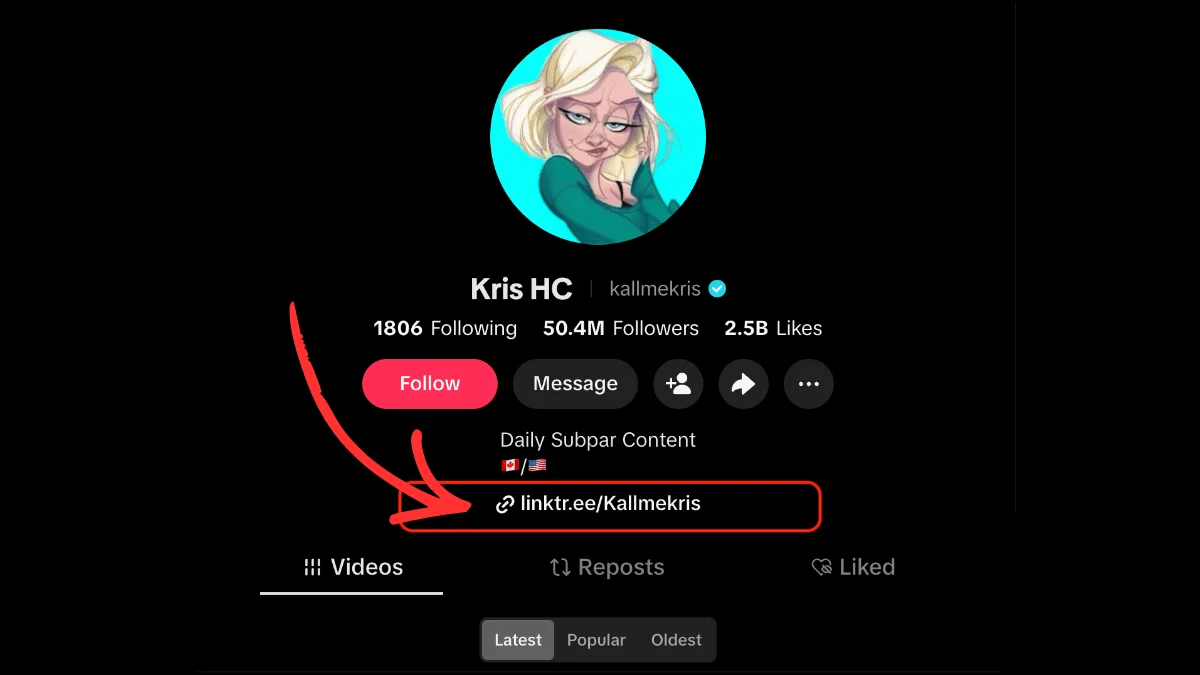
How to Put a Link in Your TikTok Bio: A Step-by-Step Guide
Learn exactly how to add a clickable link to your TikTok bio, what the eligibility requirements are, and how to get more from the one link TikTok gives you.

What Does "Link in Bio" Mean? Explained for Every Platform
What "link in bio" means on Instagram, TikTok, Facebook and YouTube, where to find the link, and why creators use one.

The Best Link in Bio for TikTok
Learn how to leverage TikTok's one link spot and convert followers to customers with a good link in bio tool for TikTok.